

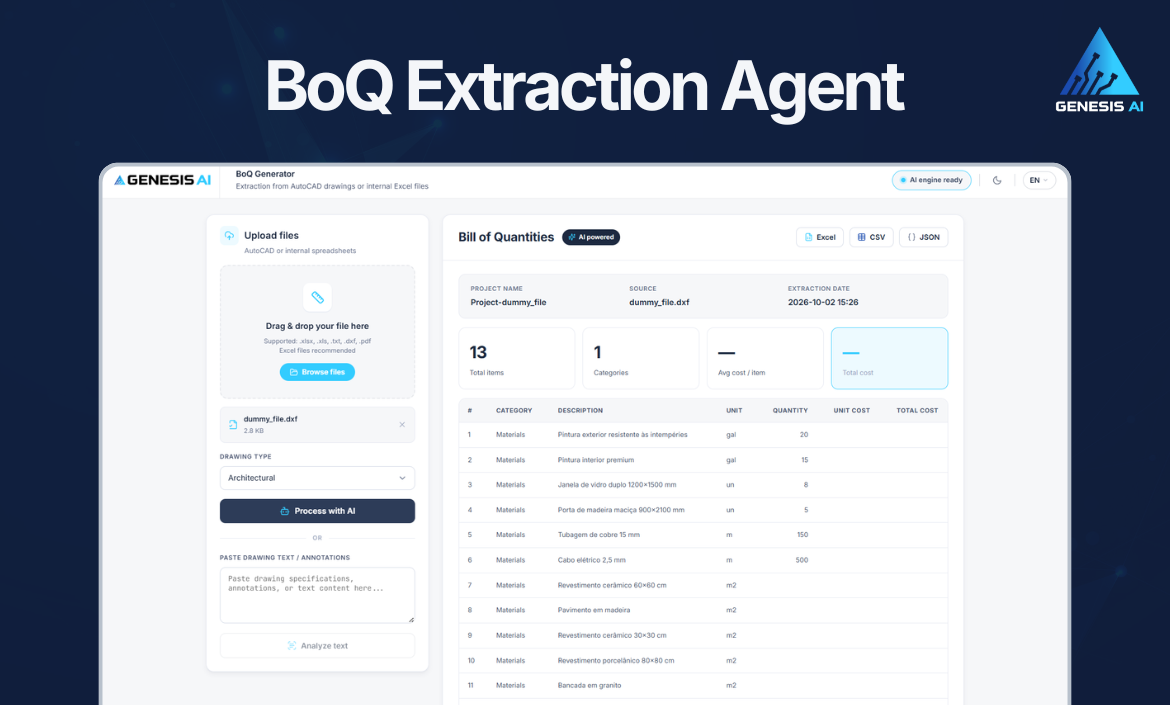
If you work in construction, engineering, architecture, infrastructure, or project management, you know firsthand how much time and effort goes into preparing a Bill of Quantities (BoQ). The traditional manual process is not only time-consuming, but also prone to costly human errors during tender preparation and cost estimation.
To solve this challenge, we want to introduce the BoQ Extraction agent, powered by Genesis AI.
Designed specifically for estimators, quantity surveyors, and engineering teams, this intelligent AI agent automates structured quantity data extraction directly from your working files, transforming complex project documents into structured, actionable data in seconds.
Why Automate BoQ Extraction?
Traditional quantity surveying requires juggling inconsistent document formats, copying data manually, and facing tight deadlines. The BoQ Extraction agent was built to eliminate these exact pain points:
- Eliminate Manual Errors: Drastically reduce measurement mistakes and inconsistencies across file formats.
- Accelerate Tender Preparation: Cut your cost estimation turnaround time from days to minutes.
- Seamless Integration: Effortlessly transfer extracted BoQ data into your ERP, cost-control, and project management systems.
- Instant Processing (No File Storage): Generate instant data without storing unnecessary files, ensuring efficiency and privacy.
Multi-Format Support Powered by Azure OpenAI
Leveraging the advanced capabilities of Azure OpenAI, the BoQ Extraction agent intelligently interprets and extracts structured data from the most common industry formats:
- CAD & Design Files:
.DXFandAutoCADfiles - Data & Text Files:
.XLSX(Excel) and.TXT
How It Works (Step-by-Step)
The interface is simple and user-friendly, allowing engineers and project managers to generate quantities without any complex learning curve. Here is how you can generate a structured BoQ in just a few clicks:
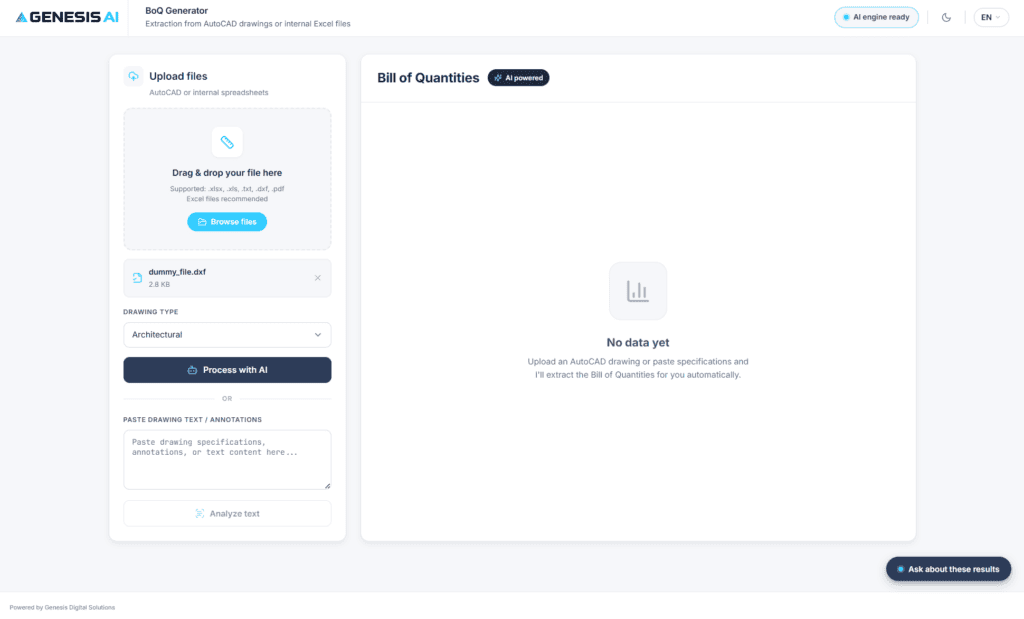
Step 1: Upload Your File
Upload your project file directly to the platform. The agent accepts Excel, TXT, DXF, and AutoCAD formats.
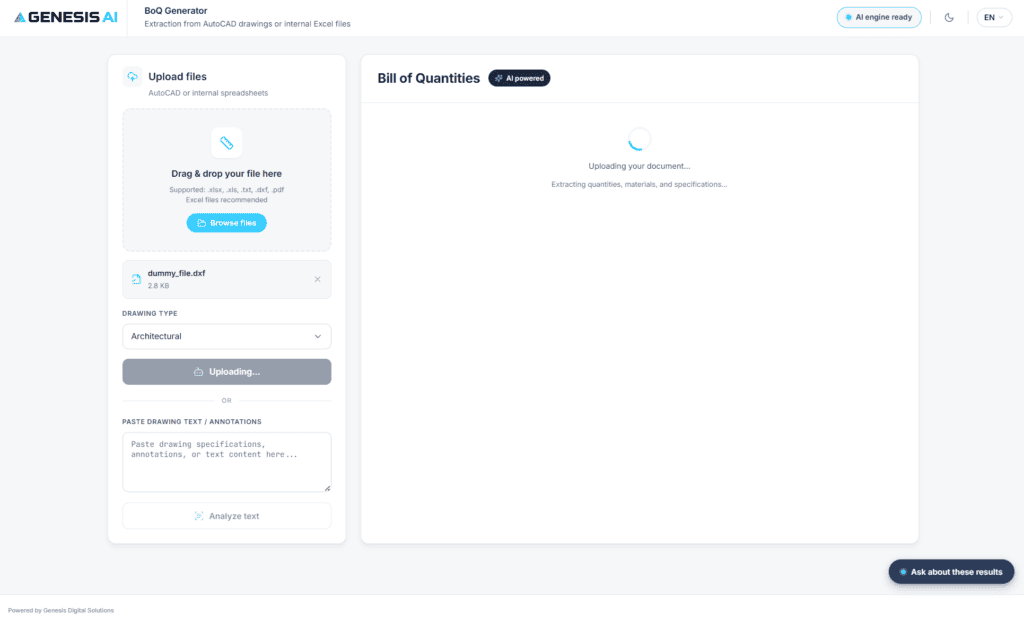
Step 2: Automated AI Processing & Extraction
Powered by Azure OpenAI, the agent analyzes the document structure and automatically extracts components, dimensions, and quantities.
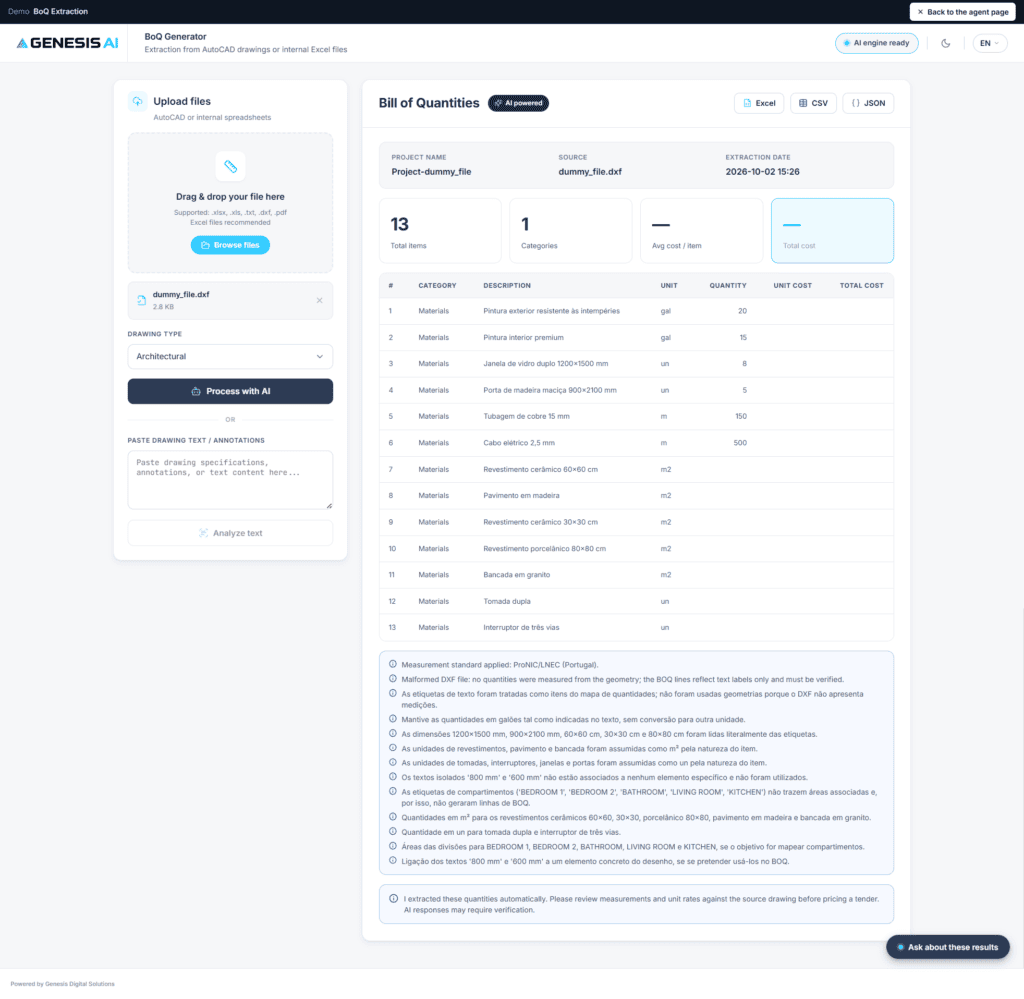
Step 3: View & Export Structured BoQ Data
Instantly view your structured Bill of Quantities table, ready to be integrated into your ERP system or exported for your tender proposal.
Try It Now: Free Live Demo Available!
Ready to see how much time the BoQ Extraction agent can save your team? You don’t have to wait.
We offer a 100% free live demo so you can test the agent with your own files and experience its speed and precision firsthand.
👉 https://marketplace.genesisdigitalsolutions.pt/agent/boq-extraction
Want to Learn More About Genesis AI?
The BoQ Extraction agent is part of our broader suite of AI solutions engineered to automate and optimize business processes.
For full details on features, additional use cases, and pricing, visit our official Genesis AI Product Page or Contact Us today.
